·
3 min read
What a fake support reply on X looks like
Fake support replies arrive minutes after a complaint, look almost like you, and push for a DM or link. The anatomy, and the tells to teach customers.

Nikita Varabei
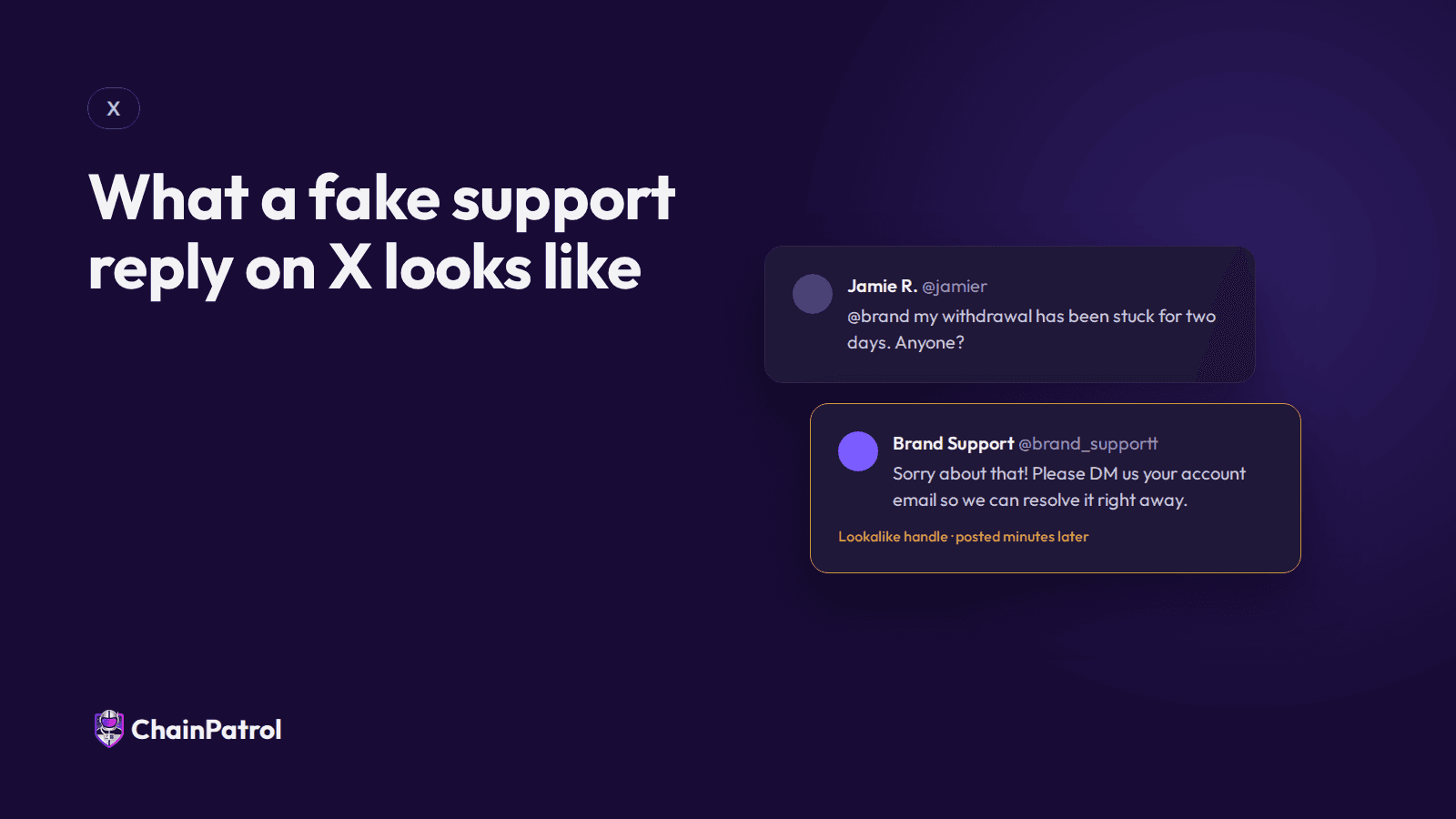
A fake support reply on X shows up under a customer's complaint within minutes, uses a name and avatar close to yours, and moves the customer to a DM or a link. It's built to look helpful, so the tells are in the details, not the tone.
If you run support for a company whose customers move money, you've almost certainly seen these. Here's the anatomy, the tells to teach customers, and what to do about it. For the full response, see fake support account takedowns.
The anatomy of a fake support reply
The trigger. A customer posts a complaint that tags you: a stuck withdrawal, a locked account, a missing deposit.
The timing. A reply lands minutes later, often before your real team has seen the post. Many of these operations appear to watch for your brand name plus words like "stuck" or "locked".
The handle. Close to yours but not yours: an extra underscore, a swapped letter, or words like "help", "care" or "assist" added.
The display name and avatar. Your logo, and "Support" in the name.
The ask. "Sorry about that, please DM us" or "open a ticket here" with a link.
The page. A cloned login, a form asking for a seed phrase, or a "wallet validation" page that drains funds.
Five tells to teach your customers
Real support will never ask for a password, seed phrase or 2FA code.
Check the handle against the official one listed on our website.
Look at the account: new, few followers, and posting nothing but replies.
Any link that isn't on our own domain is suspect.
A request to move to Telegram, WhatsApp or a private form is a red flag.
What your team can do in public
Reply under the customer's post, not to the fake: "That account isn't us. We'll never DM you first. Our official support is here," with the link. It protects the customer in the thread and everyone reading it. A page that lists every official account helps here, and we wrote up how to build a verify page customers can check.
Honestly, this is boring advice. It's also the part that changes outcomes for the person who already got the reply.
Then take it down
Report the account and file a trademark report if your mark is used. We walk through it in how to report business impersonation on X. Get the link it sends people to blocked in wallets and browsers, because that's where the money is lost.
Frequently asked questions
Why do fake support replies show up so fast?
Many operations appear to be automated, watching for brand names alongside complaint keywords. Speed is the whole trick: they answer before you do.
Should we limit who can reply to our posts?
That can hide replies from real customers too. A fast public reply from your team, plus takedowns, usually works better.
See which fake support accounts are replying to your customers today: run a free scan.
Nikita Varabei is co-founder and CEO of ChainPatrol. He spends most of his week with fraud and trust and safety teams dealing with impersonation of their brands.
Fakes of your brand already out there?
ChainPatrol finds them, blocks the links in wallets and browsers, and files the takedowns for you.
More from The Impersonation Institute
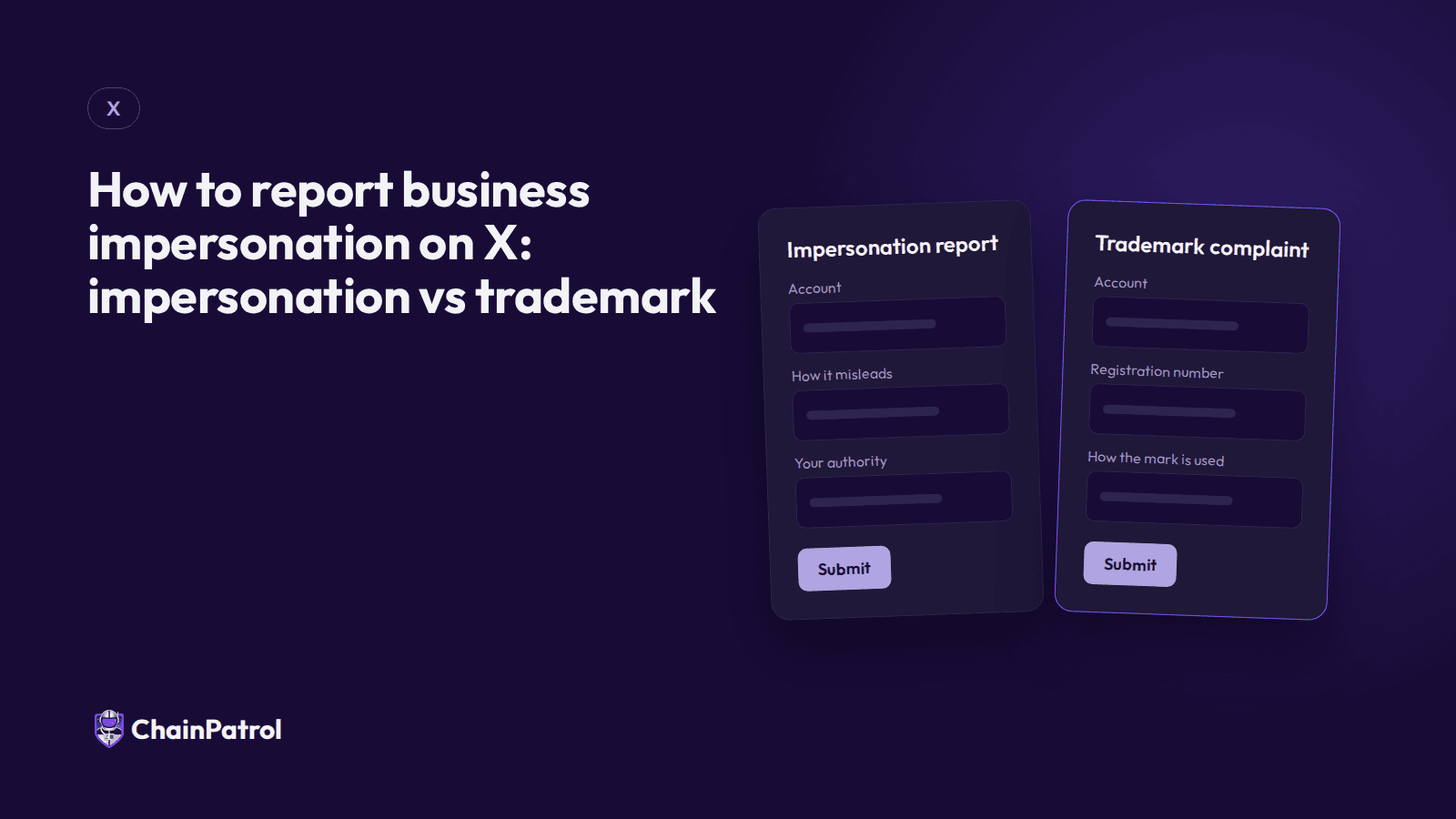
How to report business impersonation on X: impersonation vs trademark
X gives companies two routes: an impersonation report and a trademark complaint. Which to use for a fake brand or support account, and what to include.
ChainPatrol
Fake support accounts

Fake support vs fan accounts vs parody: why platforms reject impersonation reports
Platforms reject impersonation reports when the account is allowed to exist. How X separates fake support from parody and fan accounts.
Nikita Varabei
Fake support accounts

How long X takes to act on an impersonation report
X doesn't publish a response time for impersonation reports. What drives the wait, what we see in practice, and how to get a report acted on sooner.
ChainPatrol
Fake support accounts