·
3 min read
The account is the lure, the link is the loss
Most fake support scams don't take money in the chat. They send a link. Why blocking it comes before the account takedown, and what blocking can't do.


Nikita Varabei
Most fake support scams don't take money in the chat. They send the customer to a link: a cloned login, a wallet drainer, a fake payment page. That page is where the loss happens, so blocking it protects customers even while the fake account is still up.
It sounds obvious written down. In practice most teams start with the account, because the account is what the customer screenshots and what the complaint is about. Here's why we start with the link.
Why scammers send links
I've said this before and I'll keep saying it: scammers run a supply chain. Someone builds the phishing kit, someone hosts it, someone runs the accounts that drive traffic to it. The account is the cheap, replaceable part. The page is where the kit does its job, and it's often shared across many fake accounts at once.
Sending a link also keeps the obvious ask out of the chat. A message asking for a seed phrase gets flagged. A message saying "please verify here" looks like support.
What blocking does
Blocking puts a warning in front of the site inside wallets and browsers. A customer who clicks sees that the page is a known scam before they sign a transaction or type a password. Once a site is confirmed as phishing, ChainPatrol flags it in 20+ wallets in about 5–10 minutes, and in browsers in about 1–3 hours.
Because one page often serves many fake accounts, blocking it protects people who reach it from accounts you haven't even found yet.
What blocking doesn't do
It doesn't remove the account. The fake can keep messaging people.
It doesn't remove the site. It stays live until a host or registrar acts.
It doesn't cover every wallet or browser your customers might use.
That's why blocking comes first, not instead. We compare the two in detail in blocking vs takedown: what each one stops.
The order we work in
Confirm the destination site is phishing.
Block it in wallets and browsers.
Report the site to its registrar and host.
Report the account, and any bot or channel linked to it.
Track every piece until it's down, and say what's still live.
Frequently asked questions
Does blocking work if the customer uses an unprotected wallet or browser?
No. Blocking only helps where the warning is shown, which is why the takedown still matters.
What if the fake account asks for money directly instead of sending a link?
Then there's nothing to block, and the account takedown and a public warning carry the load.
See the fake accounts and scam links using your name today with a free scan.
Nikita Varabei is co-founder and CEO of ChainPatrol. He spends most of his week with fraud and trust and safety teams dealing with impersonation of their brands.
Fakes of your brand already out there?
ChainPatrol finds them, blocks the links in wallets and browsers, and files the takedowns for you.
More from The Impersonation Institute
How to report business impersonation on X: impersonation vs trademark
X gives companies two routes: an impersonation report and a trademark complaint. Which to use for a fake brand or support account, and what to include.
ChainPatrol
Fake support accounts
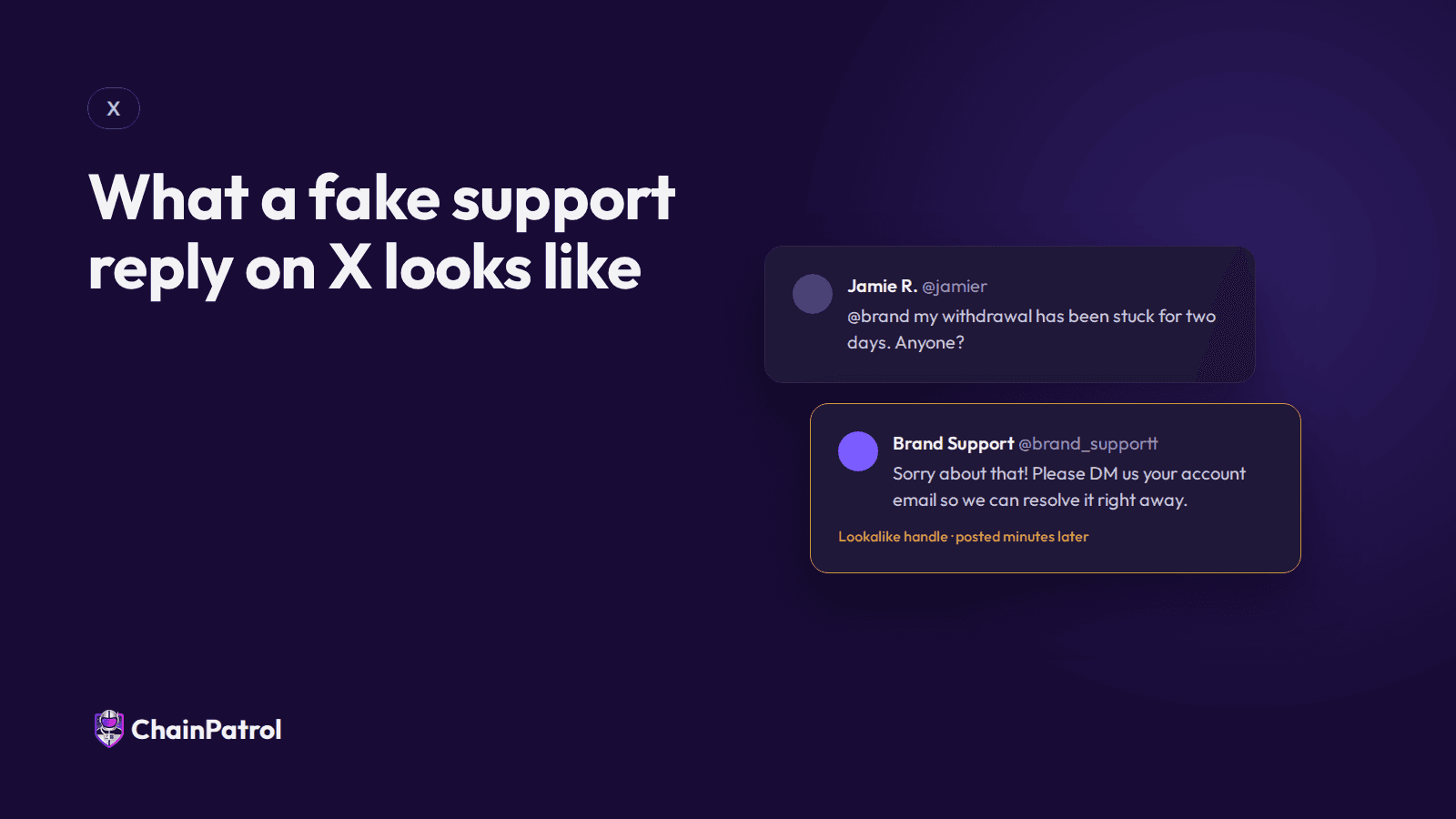
What a fake support reply on X looks like
Fake support replies arrive minutes after a complaint, look almost like you, and push for a DM or link. The anatomy, and the tells to teach customers.
Nikita Varabei
Fake support accounts

Fake support vs fan accounts vs parody: why platforms reject impersonation reports
Platforms reject impersonation reports when the account is allowed to exist. How X separates fake support from parody and fan accounts.
Nikita Varabei
Fake support accounts