·
3 min read
How to report a fake support account on Telegram
Report each account, bot, channel and group separately, send scam reports to @notoscam, and email [email protected] for complex cases. What to include.


ChainPatrol
To report a fake support account on Telegram, use the in-app Report option on the account, then report every related bot, channel and group separately. Send scam and impersonation reports to Telegram's official @notoscam bot, and email [email protected] for larger or complex cases. Telegram has no brand or trademark portal, so these general channels are the route.
Here's the full sequence, what to include, and what to do while Telegram reviews it. For why Telegram is slower than X or Meta, see our guide to Telegram impersonation takedowns.
Step 1: Map every object first
Fake support on Telegram rarely runs on one account. Before you report anything, note the account that messaged your customer, any bot it pointed to, and any channel or group it promotes. Telegram reviews each one separately.
Step 2: Report each object in the app
Account: open the profile, open the menu, choose Report, and pick the closest reason, such as scam or fake account.
Bot: open the bot and report it the same way.
Channel or group: open the channel or group menu and report it. If you aren't a member, keep the invite link for step 4.
Step 3: Send it to @notoscam
@notoscam is Telegram's verified bot for scam and impersonation reports. Send the username, a link to your official account or channel, and one sentence on what the fake is doing: "This account poses as [Brand] support and asks customers to connect their wallets."
Step 4: Email [email protected] for complex cases
For cloned groups, networks of fake admins, or anything you couldn't report in the app, email [email protected] with every link, dated screenshots, and proof you represent the brand. Copyright claims go to [email protected] instead, and only when you own the copyrighted material.
Step 5: Protect customers while you wait
Pin a message in your official group naming your real admins and stating that support never DMs first. See what to pin in your Telegram and Discord.
Get the link the fake sends people to blocked in wallets and browsers. That's where the money is lost.
Re-file anything still live after a week, with any new evidence.
What to expect
Telegram doesn't acknowledge most reports or publish a response time. It can add a SCAM or FAKE label to an account it has reviewed, which warns anyone who opens the profile. Expect slower outcomes than on X or Meta, and keep a list of every object you reported with the date, so follow-up is easy.
Frequently asked questions
Does Telegram have a form for brands?
No. Telegram has no brand or trademark reporting portal. Reports go through the in-app Report option, @notoscam and [email protected].
If the fake account is banned, does the bot go too?
Not necessarily. Accounts, bots, channels and groups are reviewed separately, so report each one.
Can a vendor get faster results on Telegram?
Vendors use the same channels. What they add is complete evidence on every object and steady follow-up.
See which Telegram accounts, bots and groups are using your name today with a free scan.
Sources
Accessed October 2026. Platform rules and processes change; check each source for the latest.
Fakes of your brand already out there?
ChainPatrol finds them, blocks the links in wallets and browsers, and files the takedowns for you.
More from The Impersonation Institute

Does Telegram have a trademark reporting form?
No. Telegram has no brand or trademark portal. Where impersonation reports actually go, what to include, and what protects customers while you wait.
Nikita Varabei
Telegram takedowns

Telegram vs X vs Facebook impersonation policies compared
How Telegram, X and Facebook handle brand impersonation: what each policy covers, where companies report, and why outcomes and speed differ so much.
ChainPatrol
Telegram takedowns
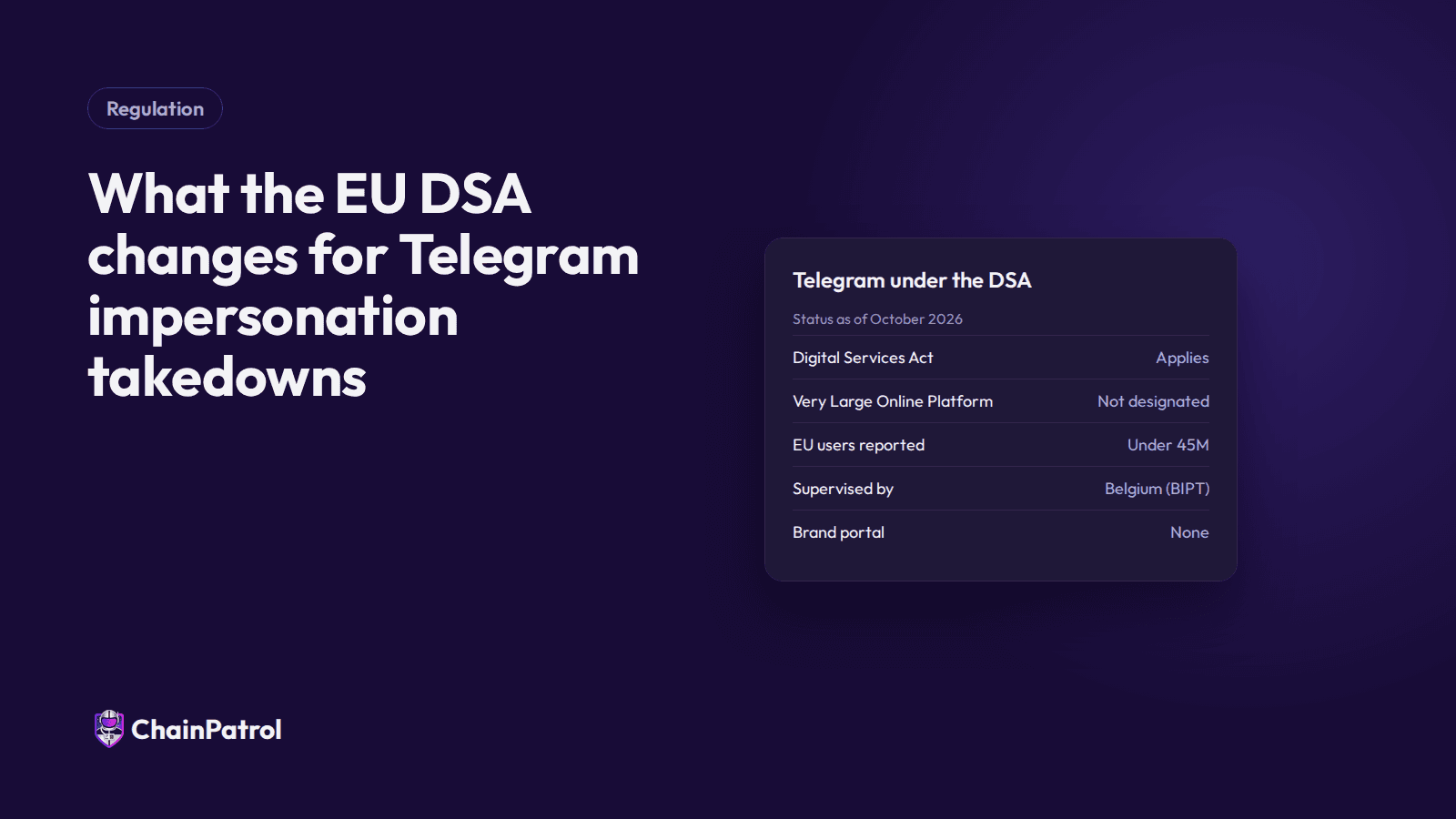
What the EU DSA changes for Telegram impersonation takedowns
Telegram isn't a Very Large Online Platform under the EU's Digital Services Act, but baseline duties apply. What that means for brands reporting fakes.
ChainPatrol
Telegram takedowns