Prerequisites
Before you start, make sure you have:- A way to sign in to Meta Business Suite: either a personal Facebook account, or a Meta Managed Account if your company uses SSO.
- A business portfolio in Meta Business Suite that you have Full control of. If your company does not have one yet, you can create it when you sign in.
- A registered trademark for your brand, with its registration number and a scan of the registration document.
- The authority to apply. The applicant must be an employee or legal representative of the brand.
Apply for Brand Rights Protection
1
Open Brand Rights Protection
Go to business.facebook.com/latest/brand_rights_protection, choose your business portfolio, and click Continue to start the application.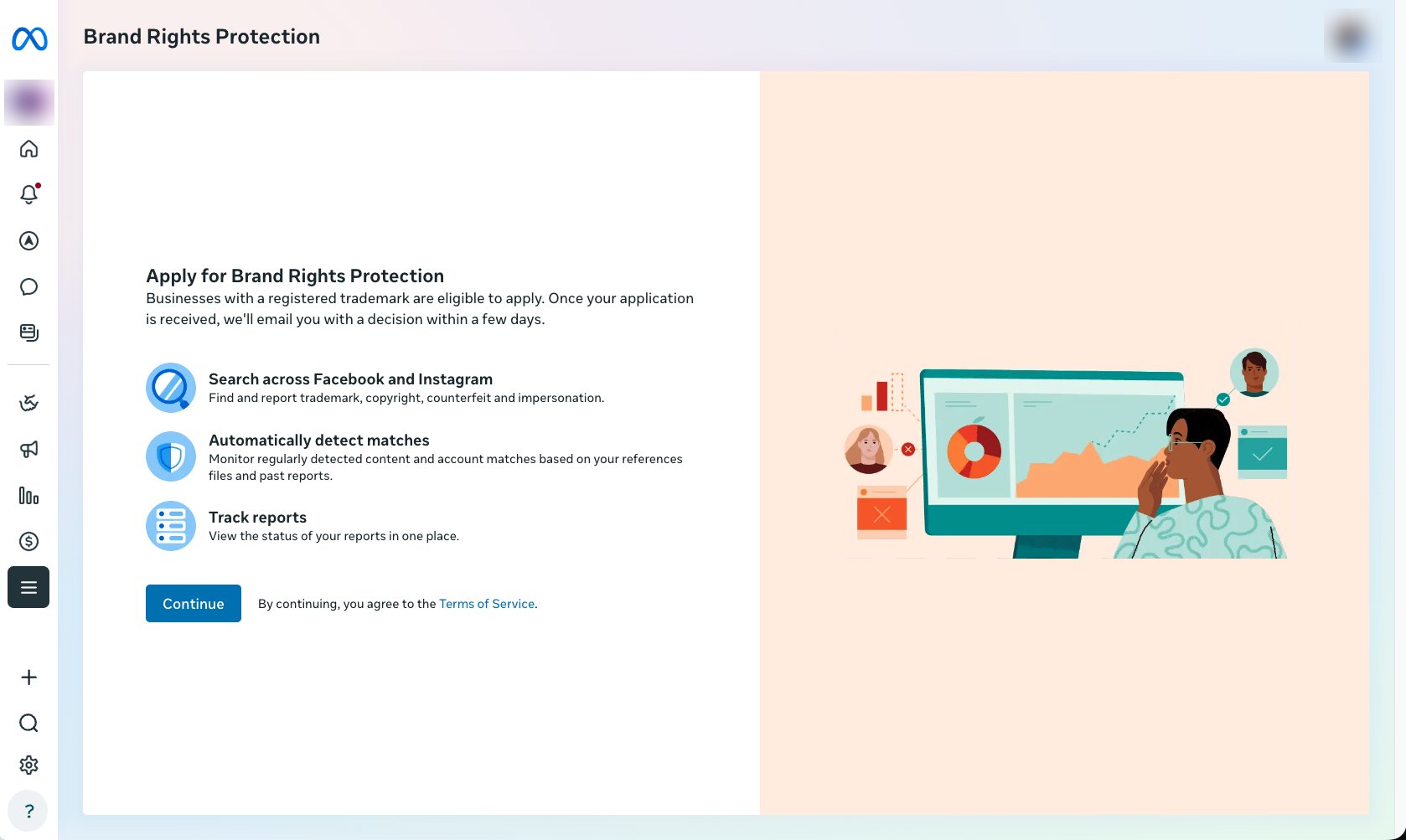
2
Fill in your account details
Your information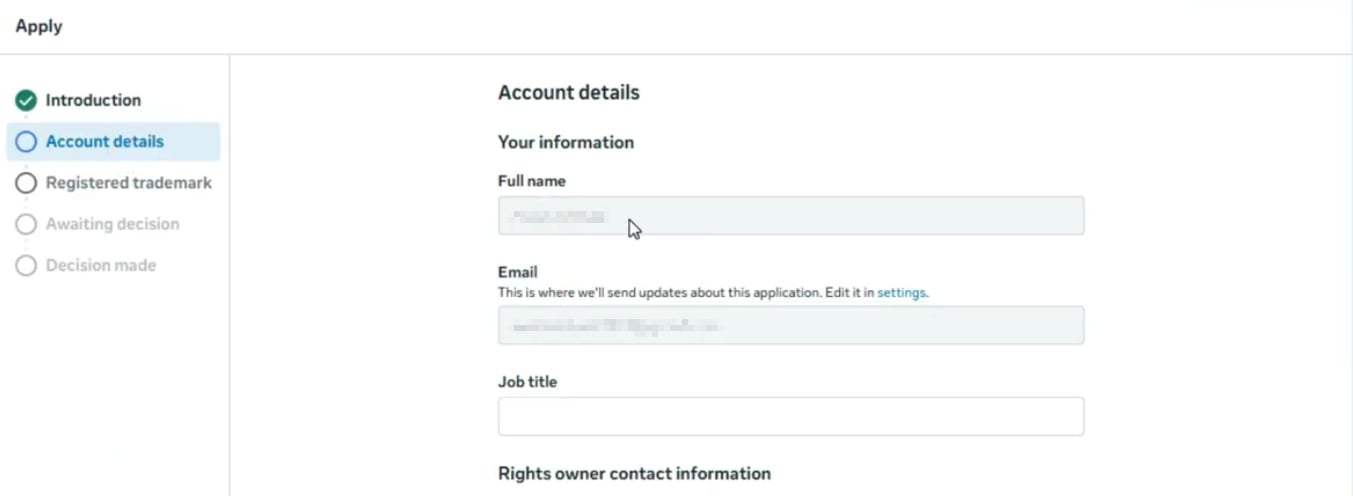
- Full name: pre-filled from your account
- Email: must be a company email address
- Job title: your role, for example Head of Marketing
- Organization or client name: your company name
- Mailing address: your company’s mailing address
- Email: a company email address that a reported party may use to contact you
- Phone number
- Website
3
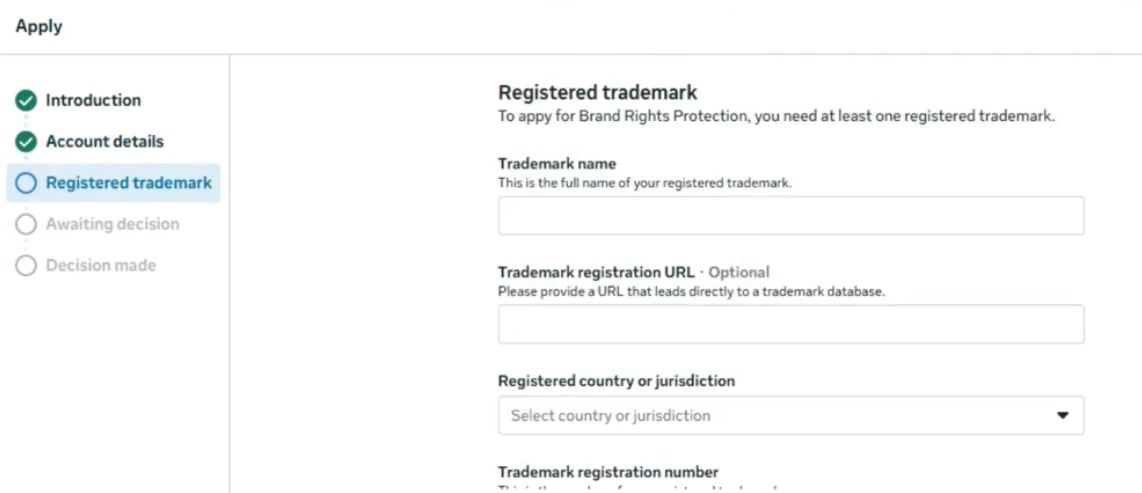
Fill in your trademark information
- Trademark name: the full name of your registered trademark
- Trademark registration URL (optional): a link to the trademark in the USPTO, WIPO or a similar database
- Registered country or jurisdiction
- Trademark registration number
- Trademark registration document: scanned images of your registration documents
4
Submit
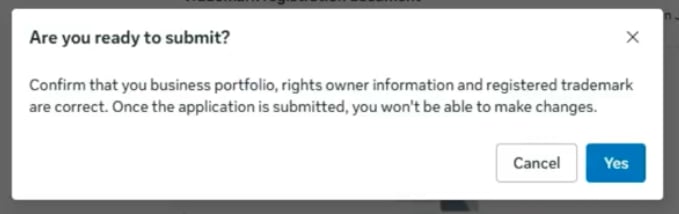
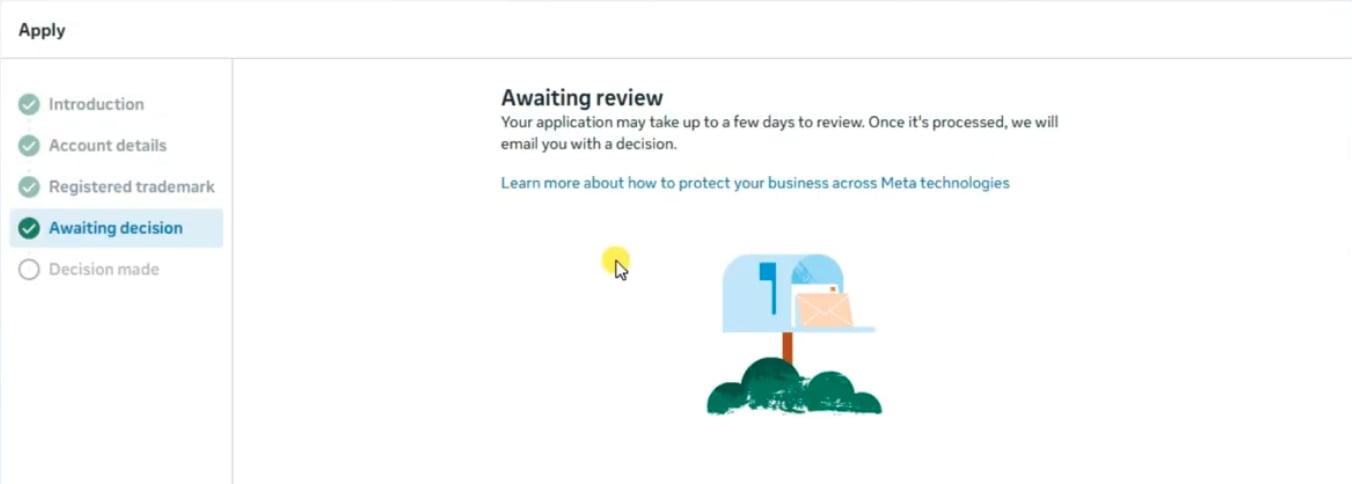
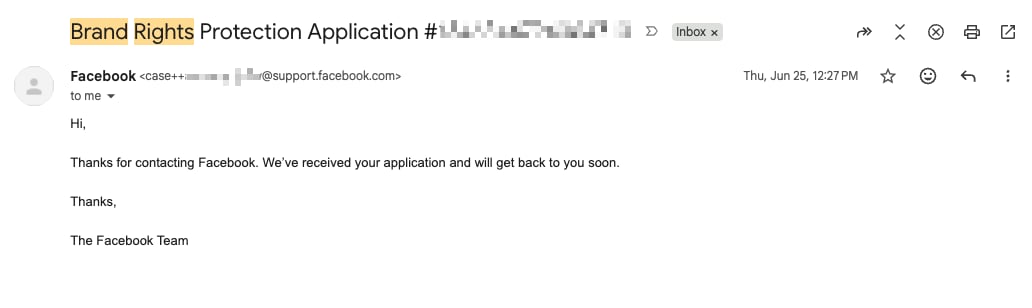
Click Submit, then Yes to confirm. You can’t edit the application after it is submitted, so check it first.